
Fixes
Safe PC Troubleshooting for Onimusha: Way of the Sword
Safe PC troubleshooting for Onimusha: Way of the Sword starts with official requirements and reversible checks instead of risky tweaks.
What should you check first?
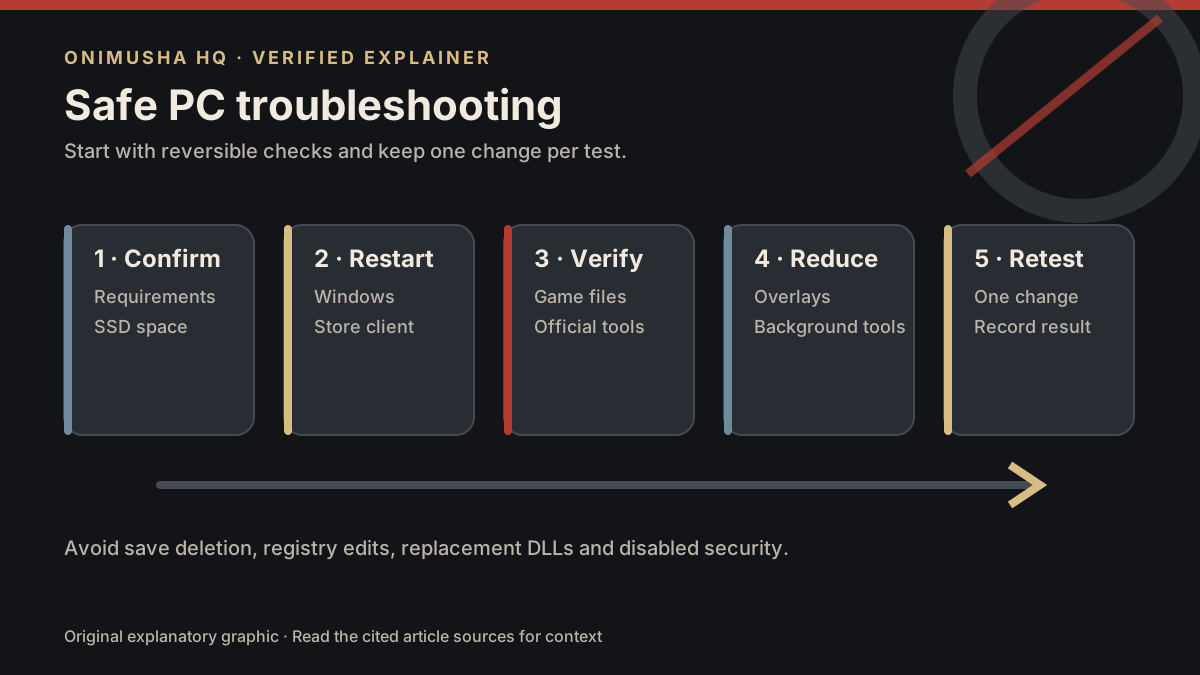
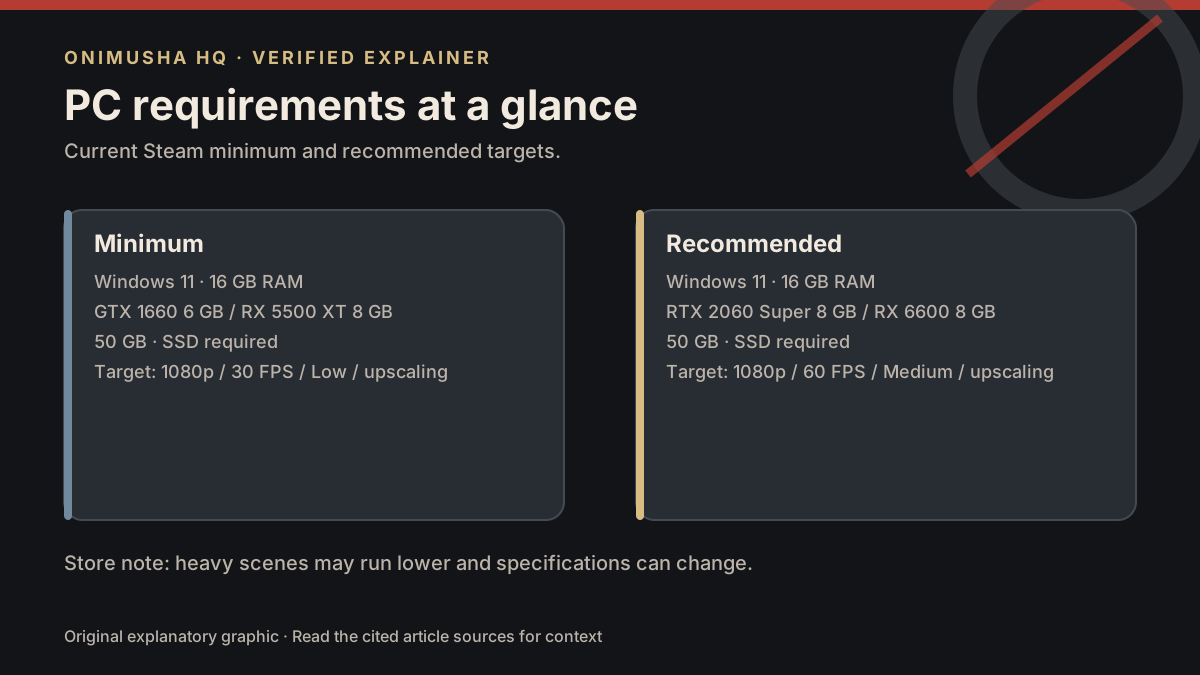
- Compare the machine with the official PC requirements.
- Confirm the game is installed on an SSD with at least 50 GB available before installation overhead.
- Restart Windows and the store client.
- Use the store’s built-in file verification.
- Install the current graphics driver from NVIDIA, AMD, or Intel’s official utility or support page.
- Close nonessential recording, streaming, monitoring, and overlay tools, then retest.
- Change one in-game option at a time and keep a note of the result.
What does this guide avoid?
It does not recommend deleting saves, editing the registry, disabling security software, downloading replacement DLL files, or applying undocumented launch parameters. Those actions can create a second problem and are not supported by the checked sources.
If the issue persists, record the platform, CPU, GPU, memory, driver version, error text, and exact reproduction steps before contacting official support. Also review platform availability and the beginner guide.
Source
Sources checked
- Onimusha: Way of the Sword on Steamofficial · Checked 2026-09-04
Related Articles
 Onimusha HQ
Was this helpful?
Thanks for the feedback!